AI Connectors for ClaudePlan with Claude.
Plan with Claude.
Train in Jefit.
Plan with Claude, then log every set, follow HD videos and track your progress in Jefit.
Included with Jefit Elite. Works on claude.ai and the Claude desktop app.

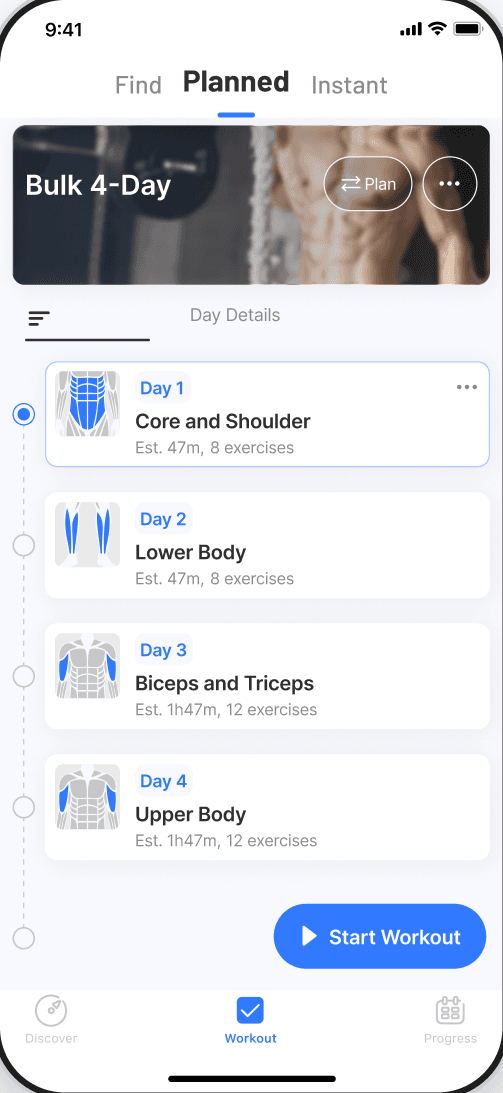
 Built by ClaudeDone. Bulk 4-Day is ready.
Jefit tracks your strength as you train.
Progress
Ask it about your progress.
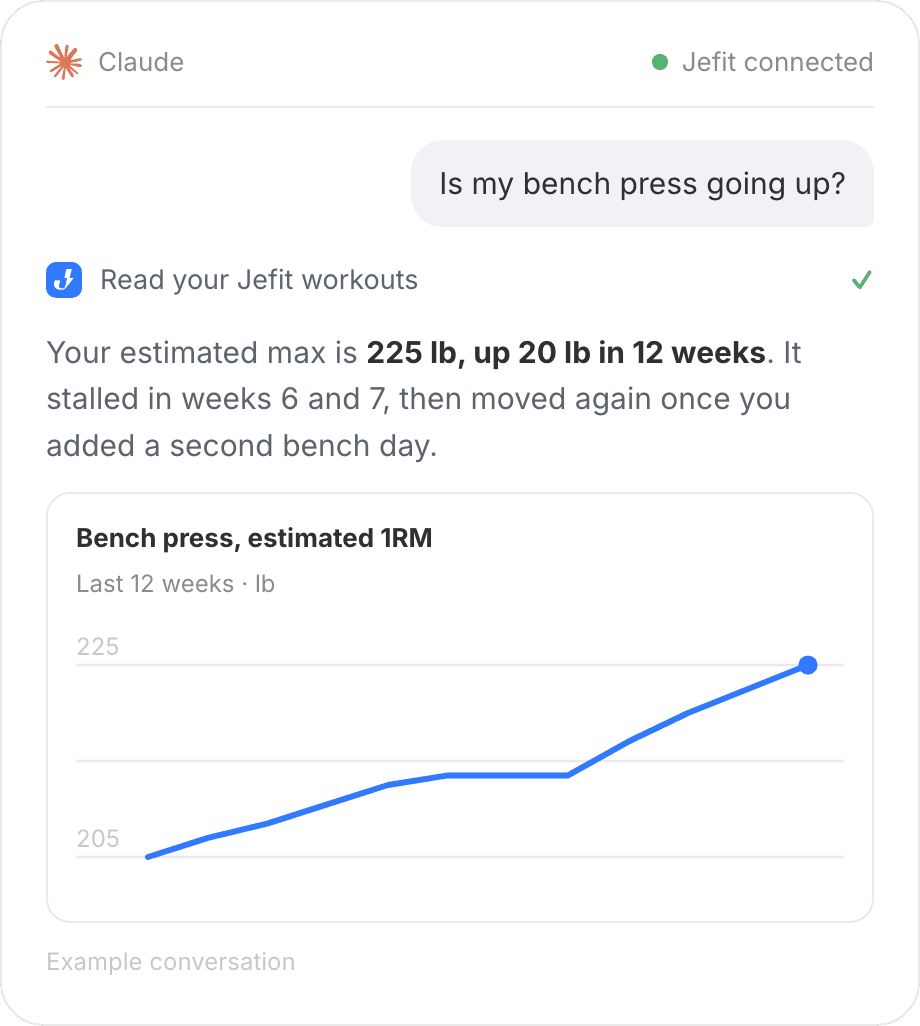
Jefit tracks every set. Claude reads it. Ask if your bench press is going up, and it shows you.
- “Is my bench press going up?”
- “What got better this month?”
How to connect
Connect in three steps
You do this once, in Claude. Jefit stays connected until you disconnect it.
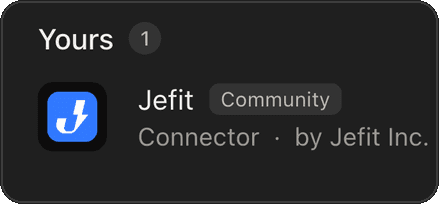
1. Find Jefit in Claude
On claude.ai or the Claude desktop app, open Customize › Connectors and search for Jefit.
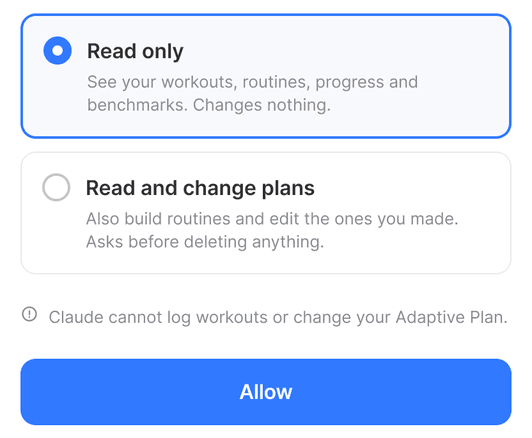
2. Sign in and choose access
Sign in with your Jefit account, pick Read only or Read and change plans, then tap Allow.
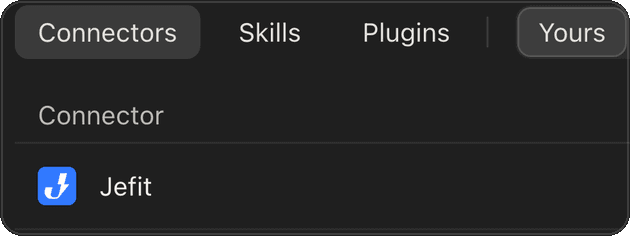
3. Ask for your first plan
Once Jefit shows under Yours, ask for a plan. Claude plans with Jefit’s training science.
On a phone? Connect at claude.ai in your browser first.
FAQ
Common questions
What members ask before they connect.
What are AI Connectors?
They link your Jefit account to Claude, so Claude can read your training and build or edit routines in Jefit. Included with Jefit Elite.
Why do I still need Jefit?
Jefit logs every set, shows HD exercise videos, adds weight when you earn it and tracks your progress. Claude is how you ask and plan.
Do I need Elite?
Yes. AI Connectors need an active Elite membership. Without Elite, Claude shows an upgrade screen when you sign in, and nothing connects.
What can Claude see and change?
Claude can read your exercises, routines, training days and workout history. If you choose Read and change plans, it can also create routines and add or edit days and exercises. An Adaptive Plan can be read, but only changed in the Jefit app.
Can Claude log my workouts?
No. You log workouts in Jefit as usual, and Claude reads what you logged.
How do I disconnect?
In Claude, open Customize › Connectors and disconnect Jefit. Claude loses access straight away.
Your next routine,
one question away.
Connect Jefit to Claude. Included with Jefit Elite.